Chord Modes
Key Trigger
Use Key Trigger when one finger needs to play a specific voicing. For example, put a wide left-hand chord on one low key, then leave your right hand free for the melody. You decide which notes each trigger key plays.
Chord Detect
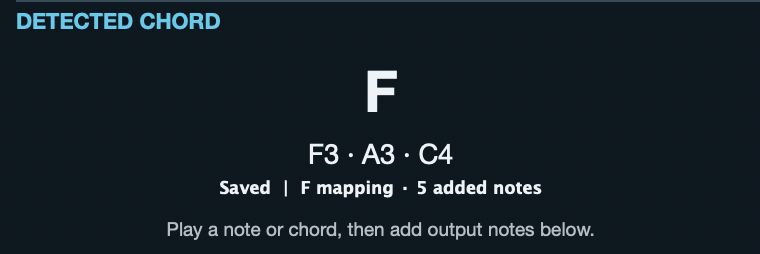
Play a chord as you normally would. StageChord shows the notes it recognizes and plays any extra notes you’ve saved for that chord. Your own notes still go through. For example, save a low F and a high C for F major so you can fill out a simple triad without changing how you finger it.
Choose Same Chord in Any Inversion under Recognition if F–A–C and A–C–F should call up the same mapping. If the bass note matters, use Include the Bass Note. Choose Exact Notes and Octaves when a mapping should respond to one specific voicing.

Smart Harmonizer
Use Smart Harmonizer when you want StageChord to choose extra notes as you play, without saving a mapping for each chord. Try 2 Extra Notes and play a simple progression. Your played notes stay audible. Turn on Smooth Changes if you want the added notes to move less between chords.
If you’d rather choose the exact added notes yourself, use a saved Chord Detect mapping.